A keyboard-first
Microsoft Teams client.
Teamsly connects to your real Teams account through the official Microsoft Graph API — same channels, DMs, and files — and adds what Teams never shipped: a command palette, AI thread summaries, voice rooms, disappearing DMs, themes, and an MCP server that lets Claude read and send your messages.
No account needed for the demo · macOS, Windows & Linux desktop apps
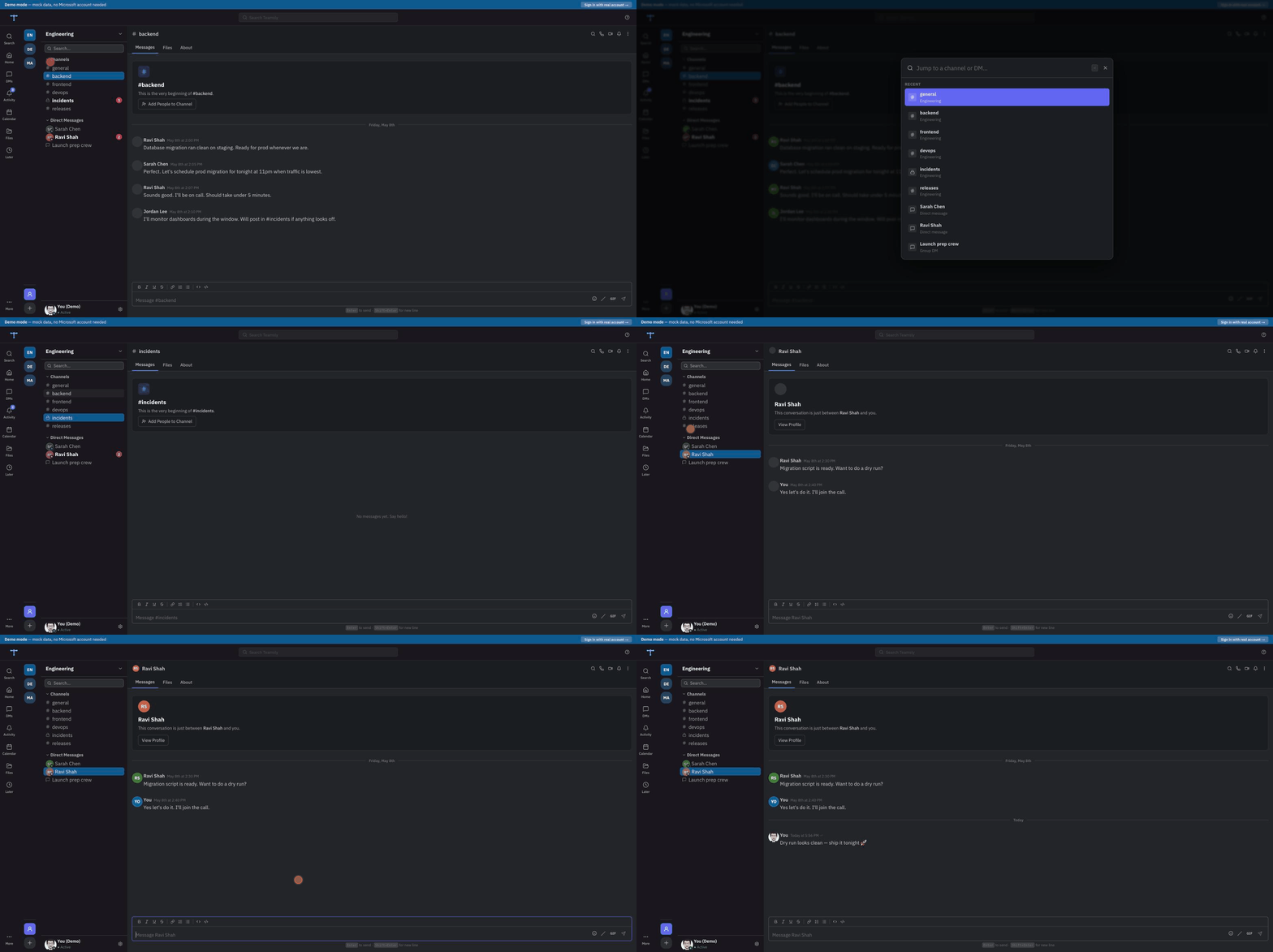
Let Claude send your Teams messages.
Teamsly ships a built-in MCP server. Add it to Claude Code, Claude Desktop, or Cursor and your AI can find people, send DMs, read chats, and post to channels — no copy-paste, no switching windows.
find_peoplesend_dmlist_chatsget_chat_messagessend_channel_message// one command — published on npm, no clone:
$ claude mcp add teamsly -- npx -y @teamsly/mcp
// or add to .mcp.json:
{
"mcpServers": {
"teamsly": {
"command": "npx",
"args": ["-y", "@teamsly/mcp"]
}
}
}
// then, in any chat:
You: DM Priya — running 5 min late
Claude: ✓ Sent to Priya SharmaChannels, DMs, threads — all live from Graph
Everything is fetched live from the Microsoft Graph API: channels, group and 1:1 chats, threaded replies, reactions, mentions, and file attachments. No scraping, no shadow copy — Teamsly stores nothing of its own.
- Channels & direct messages
- Threads, reactions & mentions
- Inline file previews
- Org-wide people search
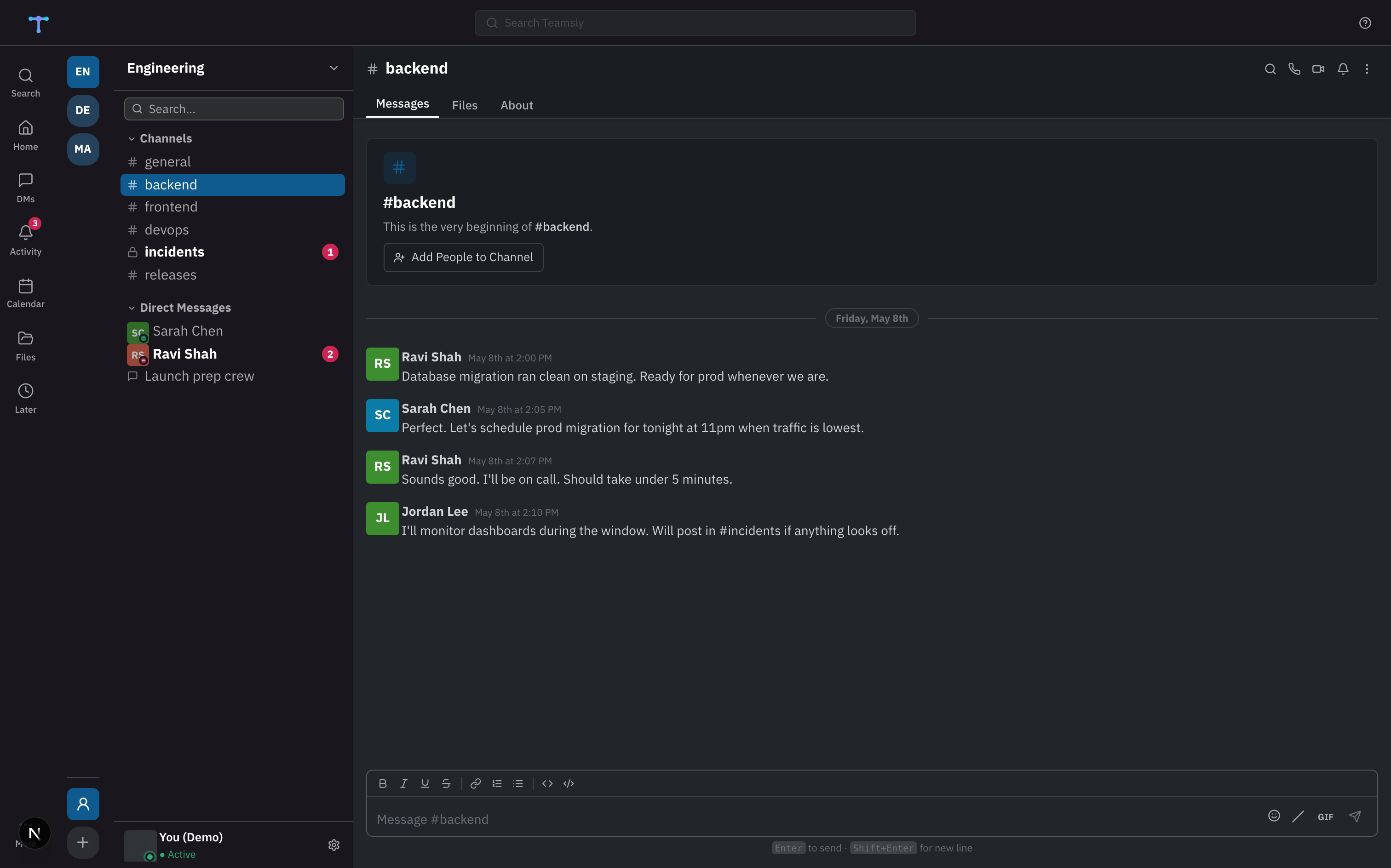
Jump anywhere with ⌘K
A fast command palette to jump between channels and DMs, plus shortcuts throughout. Search finds people you've never messaged and starts a DM in one keystroke.
- ⌘K quick switcher
- Org directory search
- Shortcuts for everything
- Built for people who live in the terminal
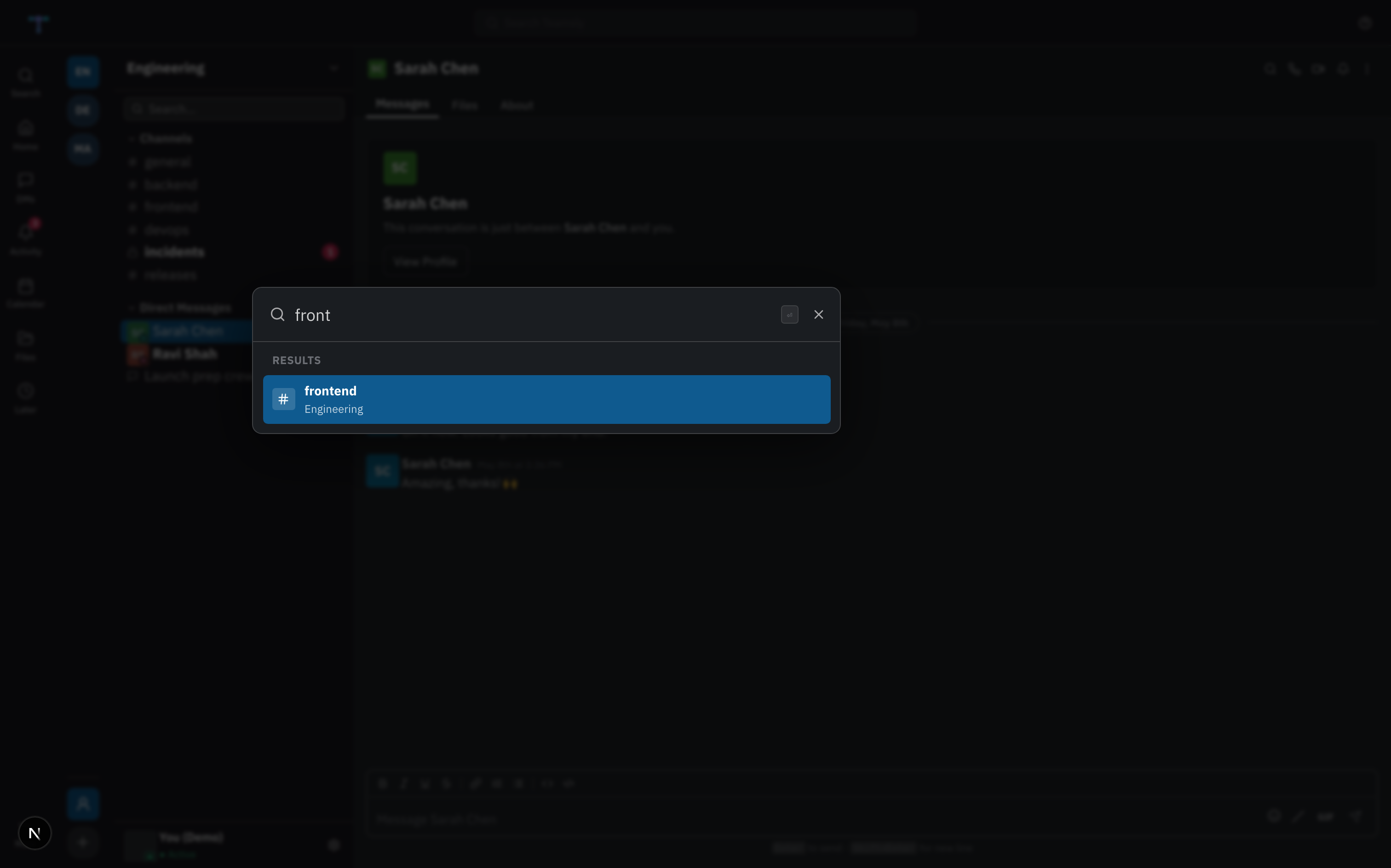
DMs with disappearing messages
Send a DM that self-destructs after 30 seconds, 5 minutes, or an hour — it shows a live countdown and vanishes for both sides. Reactions, edits, forwarding, and emoji/GIF are all here too.
- Disappearing DMs (30s / 5m / 1h)
- Emoji & GIF picker (Tenor)
- Edit, delete, forward
- Smart notifications & focus mode
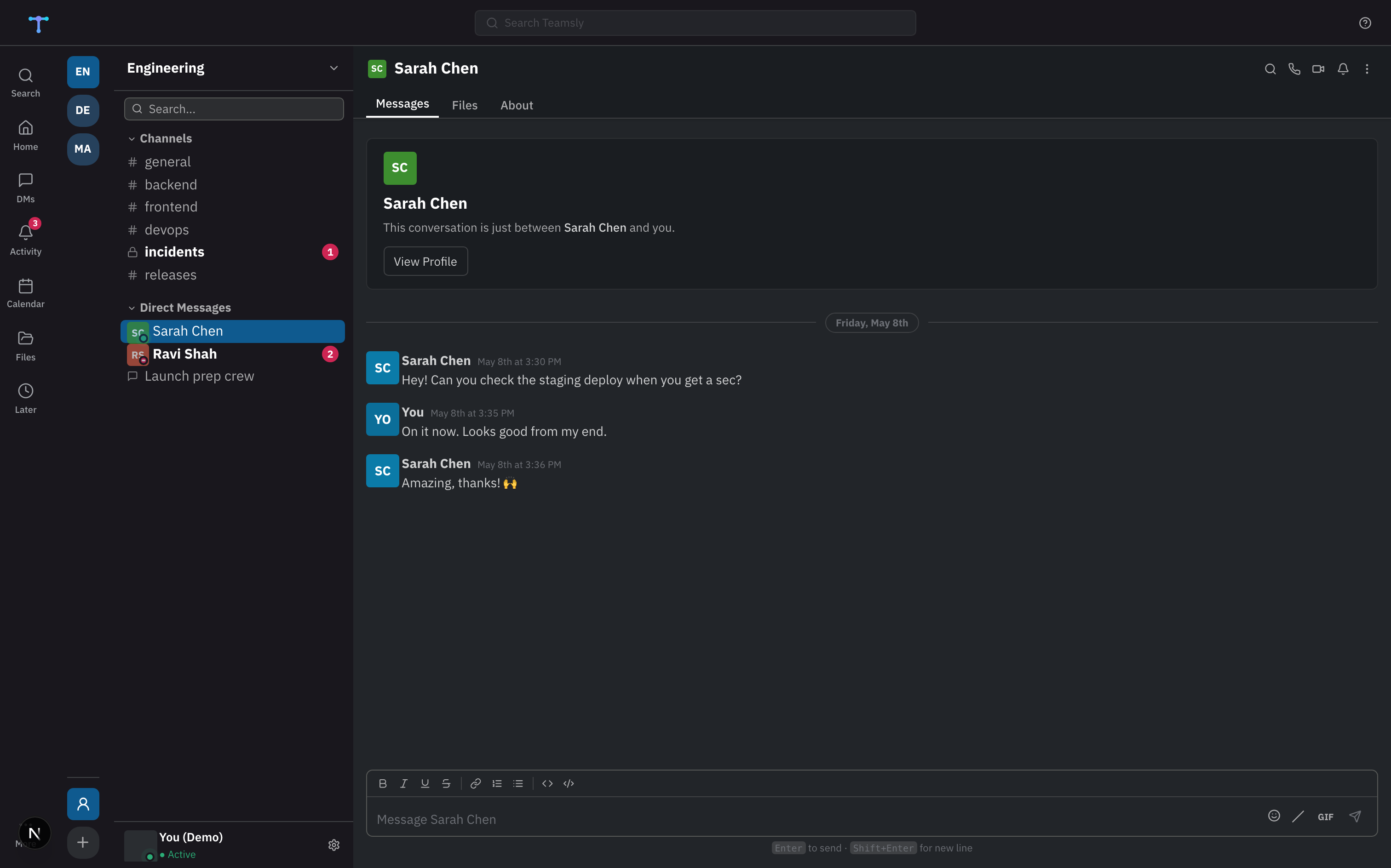
And a lot more
The things you'd expect from a client built by people who use it daily.
Catch up on long threads in seconds — Claude highlights blockers and decisions.
Drop-in audio per channel or DM, powered by LiveKit. No meeting links.
Slate, Midnight, Sepia & Forest palettes; comfortable, compact, or cozy density.
Your Outlook calendar drives presence — "In a meeting until 12:30" automatically.
/giphy, /roll, /8ball, /shrug and more, with an autocomplete menu.
Ephemeral DMs cloaked in transit, with a live expiry countdown.
Mentions-only mode, keyword alerts, and a focus mode that respects your time.
PRs, issues, YouTube, Loom and Figma links expand into inline cards.
Find people, send DMs and post to channels from Claude or Cursor.
Teams vs. Teamsly
Run your own instance
No paywall, no feature gates. Clone it, point it at your own Azure AD app, and deploy to Vercel, Fly, Render, or a VM. Or skip the setup and use the hosted instance at teamsly.app — same code, same features.
git clone https://github.com/mayurrawte/teamsly
cd teamsly

# add your Azure AD app credentials
cp .env.example .env.local

npm install
npm run dev   # → http://localhost:3000
Get the desktop app
Native builds for every platform, with auto-updates. Or just use it in your browser.
Built in the open
Shipping fast. Here's what's done and what's next.
- Channels, DMs & threads
- AI unread summaries
- MCP server + find_people / send_dm
- Voice rooms (LiveKit)
- Calendar auto-status
- Themes, density & motion
- Disappearing messages
- Slash commands & GitHub cards
- ⌘K command palette
- Desktop apps (mac/Win/Linux)
- Real-time DM push (sub-second)
- Send-later messages
- AI action-item extractor
- Voice memos + transcripts
- Anonymous polls
- Channel snooze UI
- Per-channel read receipts
- Linear live cards
Questions
Where does my data live?
In your own Microsoft 365 tenant. Teamsly reads and writes through the official Graph API and stores nothing on its servers — messages and files never leave Microsoft.
Do I need an Azure AD app?
Only if you self-host — you bring your own app registration. On the hosted instance at teamsly.app you just sign in with Microsoft; no setup.
Are disappearing messages encrypted?
They're cloaked in transit so they don't render as plain text in native Teams, and they carry an expiry. This is not end-to-end encryption — it's an ephemerality feature, not a security guarantee.
Is it really open source?
Yes — AGPL-3.0. Read every line, file issues, send PRs, or fork it. A commercial license is available for organisations that need one.
Is there a mobile app?
Not yet. Teamsly is a desktop (macOS/Windows/Linux) and web client today. Mobile may come later.
What's it built with?
Next.js, NextAuth, the Microsoft Graph SDK, LiveKit for voice, and Electron for the desktop builds.
Give Teams a client worth opening.
Sign in with Microsoft, or try the demo first — no account needed.